Face data never leaves the server
Enrolment produces a mathematical template stored in the backend, not an image, and not on the phone. A lost or stolen handset carries nothing to leak.
StaffRegister marks attendance with a face check-in your staff cannot fake — then calculates salaries automatically and keeps owners informed. Built for shops, showrooms and multi-branch businesses in India.
31 MB · Android 7.0 and above · older phone? download the all-devices build (72 MB)
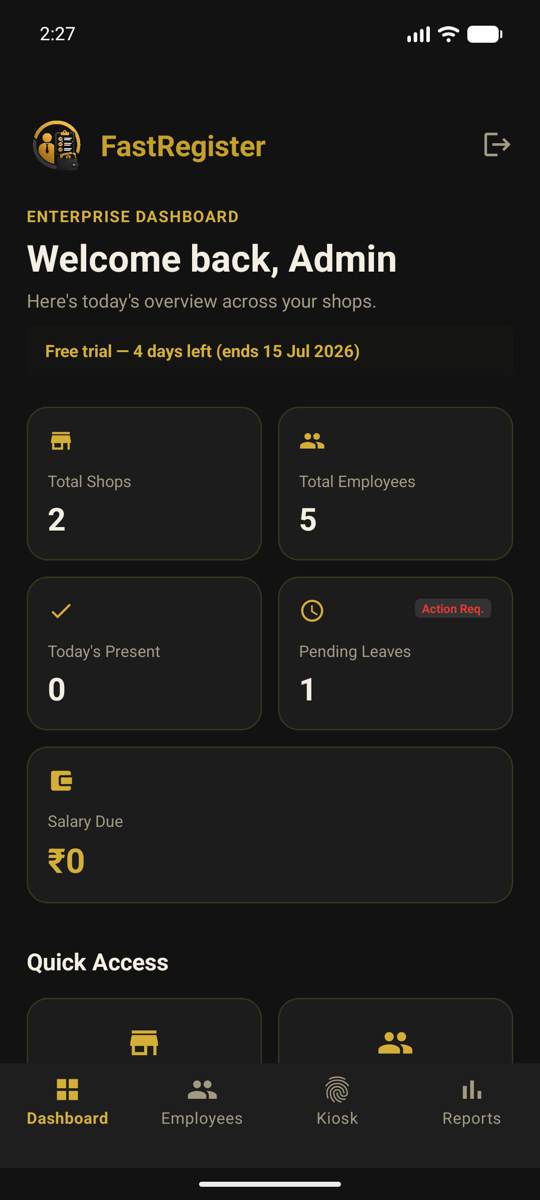
StaffRegister replaces the attendance register, the salary notebook and the "where are you?" phone calls — with one app.
Every check-in is verified on our servers — the face against the enrolled template, plus a blink — before attendance is recorded. It stops one employee clocking in for another, and a photo held up to the camera. The verified frame is kept for 90 days so you can see who checked in.
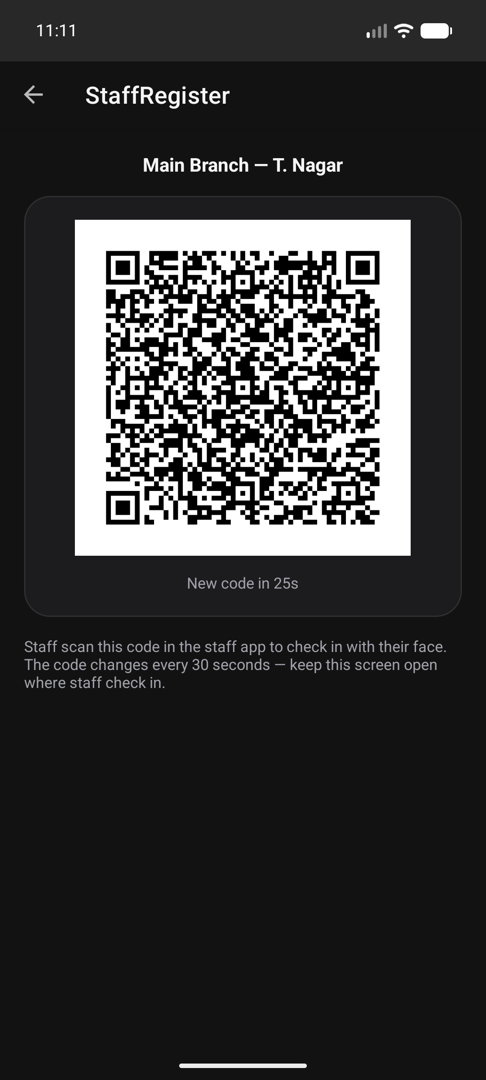
A branch can require the shop QR, which changes every 30 seconds so a screenshot is worthless; or accept face plus location, refusing check-ins from outside its radius; or allow either and let staff use whichever fits. The server enforces what you permitted, so nobody can quietly pick the easier route — and the owner can always mark attendance manually in seconds.
Daily, weekly or monthly salary computed straight from verified attendance, including overtime hours and any advances you have paid out — with PDF salary slips and WhatsApp receipts you send in one tap.
Attendance alerts reach your staff on WhatsApp automatically — check-in, check-out, late arrival and absence, switchable per branch. Salary receipts and login details open with the message written for you to send yourself.
Staff apply for leave and check their own attendance from their own phone. Owners approve with one tap; payroll adjusts automatically.
Run up to ten branches from a single dashboard — per-shop staff, attendance, monthly PDF reports, and strict per-business isolation on Google Firebase.
Three steps. No hardware required to start — just an Android phone or tablet.
Download the app and sign up in a minute — your free 7-day trial starts immediately, no card needed. Add your shops and employees, and enroll each face with three quick photos.
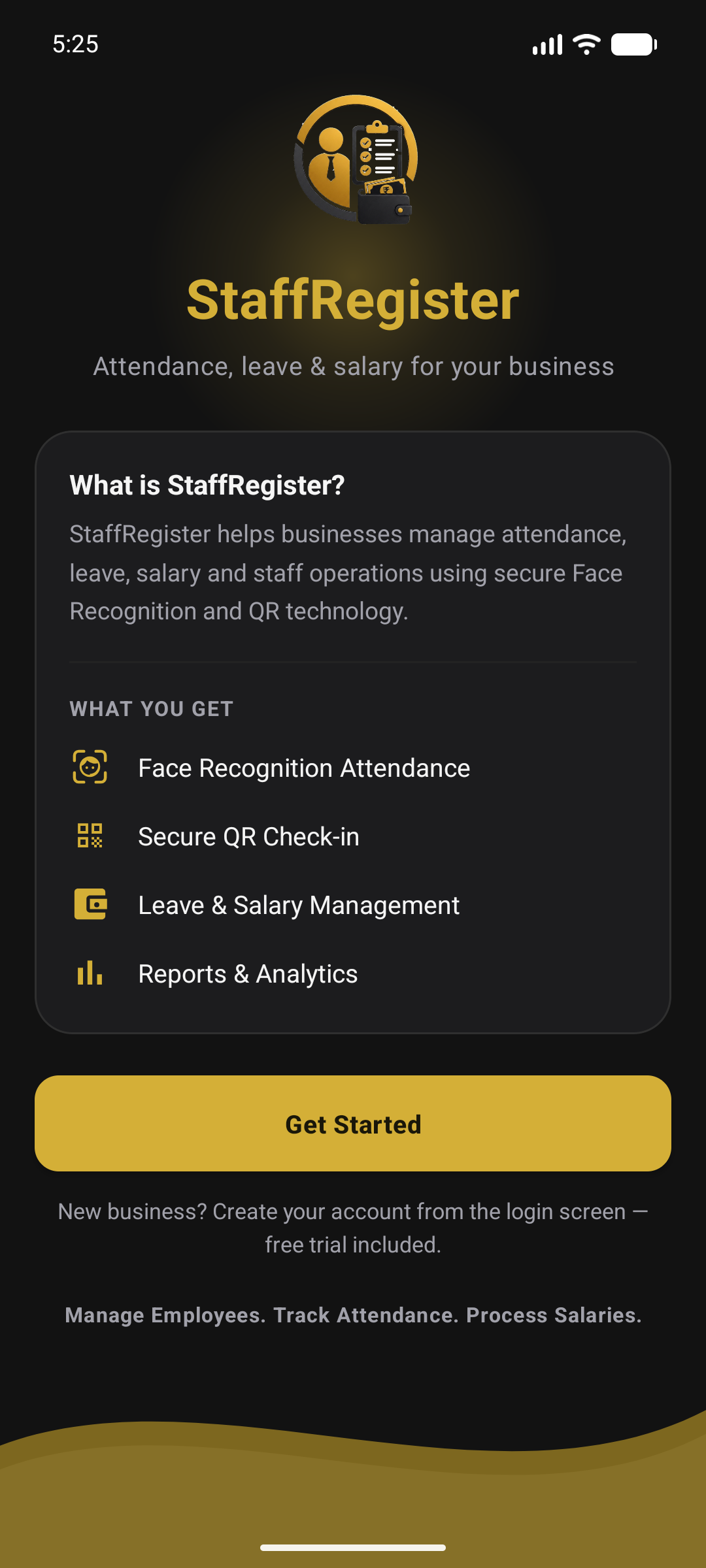
Display your shop's QR code on your own phone — it refreshes every 30 seconds, so a screenshot is worthless. Staff scan it in the StaffRegister app, their face is verified on our servers, and they are clocked in. Prefer not to display a QR at all? Switch that branch to face plus location, and check-ins from outside its radius are refused instead. If anything ever fails, you can mark attendance manually.
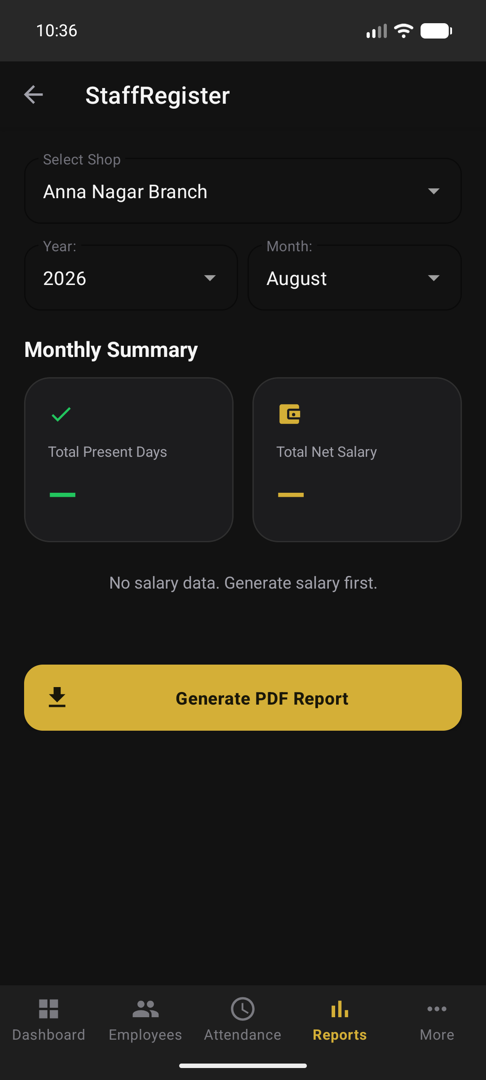
At month end, StaffRegister computes every employee's salary from verified attendance and approved leaves — generate PDF salary slips, send WhatsApp receipts in one tap, and download monthly reports.
Attendance decides what people are paid. That makes it worth knowing exactly how the data is held.
Enrolment produces a mathematical template stored in the backend, not an image, and not on the phone. A lost or stolen handset carries nothing to leak.
Isolation is enforced by server-side security rules rather than by application code, so a bug in the app cannot expose another shop's staff, attendance or salary records.
Records live on Google Firebase with daily backups. The frame verified at each check-in is kept for 90 days so you can review it, then removed automatically — or immediately, on request.
Tiers differ only in how many employees and branches you can add. Billed once a year.
₹1,099/ year
₹1,297 incl. GST
₹1,799/ year
₹2,123 incl. GST
₹2,999/ year
₹3,539 incl. GST
Free 7-day trial with every feature unlocked. No card, no hardware, no installer visit.